
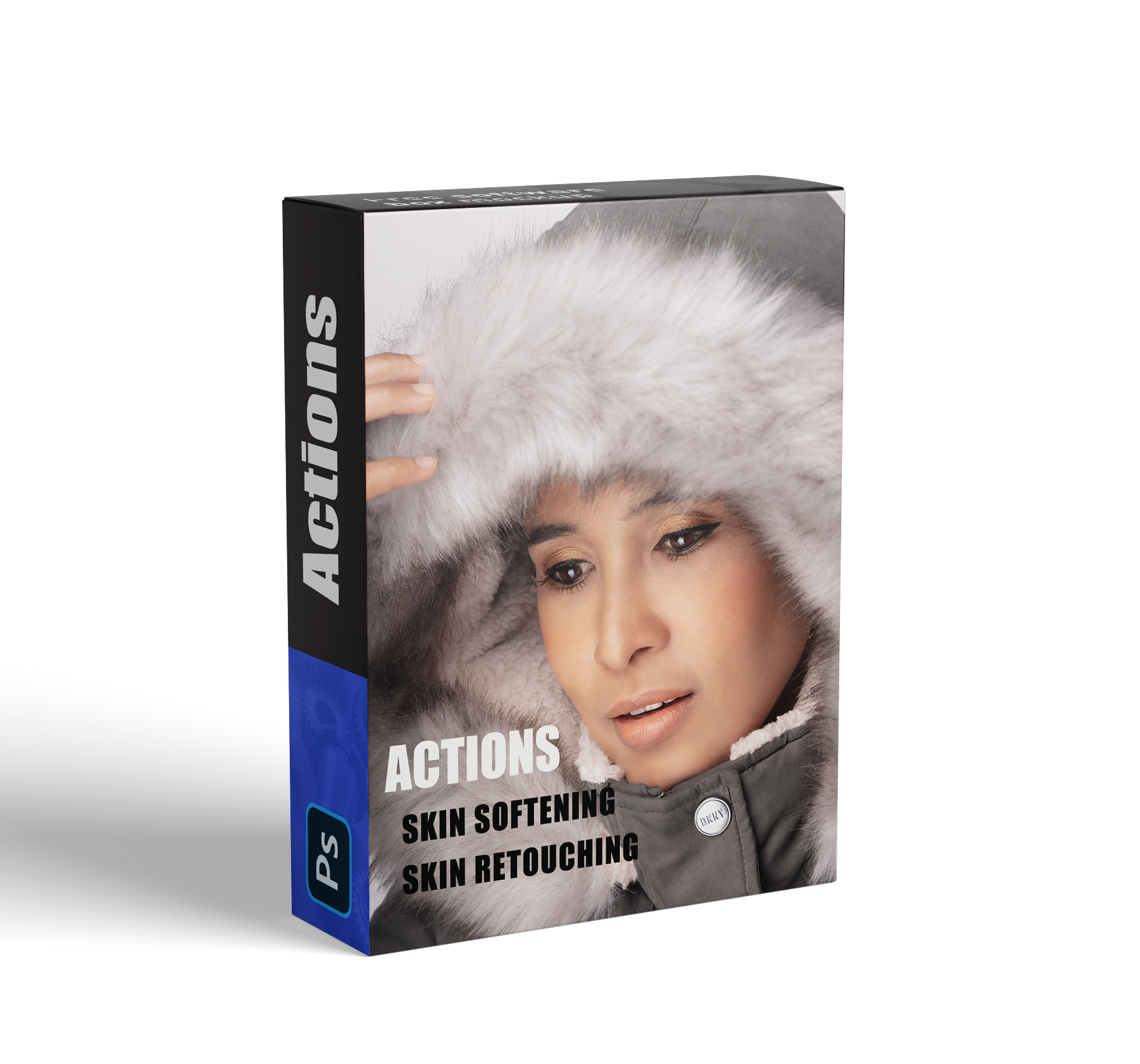
2 Skin smooth Actions Frequency Separation
2 Skin smooth Actions
$5.00$2.99
2) Skin Smooth Actions
#1 - Skin Retouching
#2 - Skin Softening
How to install Actions in Photoshop
1. Save your actions in an easy to find location on your computer and un-zip file
2. Open Photoshop
3. Click "Window" > "Actions" and the Actions Palette will appear
4. Click the little lines in the top right corner of the actions palette and select "Load Actions"
5. Locate your new action set and select open
6. They will now be showing in your Actions Palette and ready to play with!
Designed by Beena Deming © Using Hostinger